Mixer
The Mixer screen shows levels, panning, and FX sends for all 16 tracks. It has two view modes: a Groups overview page and four Track detail pages. Navigate to it from Global Sound by pressing →.
Groups View
The Groups page (leftmost mixer page) shows four track groups with summarized values:
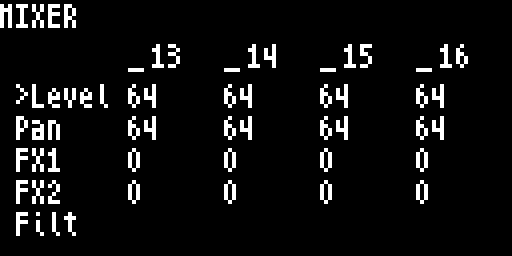
- Knobs 1–4 control the four groups (tracks 1–4, 5–8, 9–12, 13–16)
- ↑/↓ cycles through 5 parameter rows:
| Row | Label | Description |
|---|---|---|
| 0 | Level | Group volume delta (−100 to +100) |
| 1 | Pan | Group pan offset (−100 to +100) |
| 2 | FX1 | Group FX1 send offset (−100 to +100) |
| 3 | FX2 | Group FX2 send offset (−100 to +100) |
| 4 | Filt | Group filter cutoff offset (−100 to +100) |
Group values are deltas — they offset the individual track values within that group.
Track Pages
Press → from Groups to page through individual tracks, four at a time:
| Page | Tracks |
|---|---|
| Page 1 | Tracks 1–4 |
| Page 2 | Tracks 5–8 |
| Page 3 | Tracks 9–12 |
| Page 4 | Tracks 13–16 |
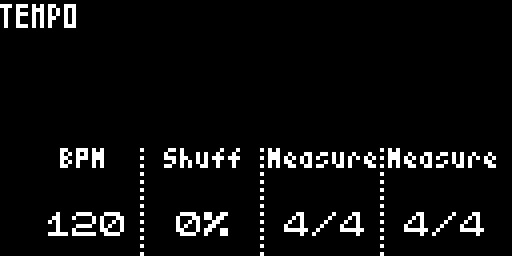
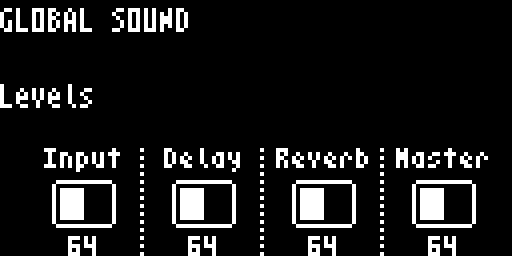
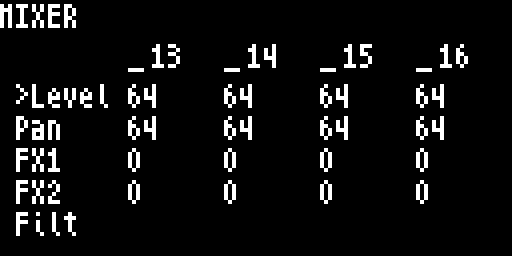
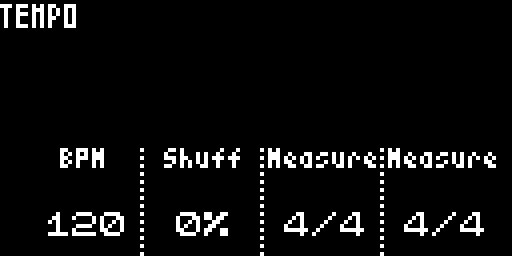
On track pages, ↑/↓ cycles through the same 5 parameter rows (Level, Pan, FX1, FX2, Filt).
Level uses the squared fader curve — wire 0 reads off, wire 64 (the default) reads 0dB (unity), wire 127 reads +12dB. The same curve is used by the per-track LEVEL on Track Mixer, by the FX returns, and by Master Volume — so a value of 0dB means the same thing everywhere on the device. Pan / FX1 / FX2 / Filt rows remain as 0–127 / −100..+100 deltas (no fader curve).
Navigation
| Action | Result |
|---|---|
← at Groups page | Go to Global Sound |
→ | Next page (Groups → Track 1–4 → … → Track 13–16) |
→ at last track page | Go to Tempo |
↑ / ↓ | Cycle parameter row (Level, Pan, FX1, FX2, Filt) |
Track Muting
On any mixer page, the step buttons toggle mute for the corresponding tracks.
Mixer Select Overlay
Hold FUNC4 to open the Mixer Select Overlay — a quick-jump menu using the first 6 step buttons:
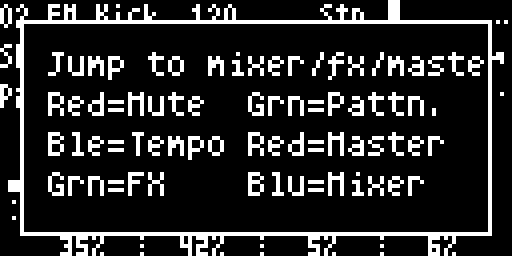
| Step | Color | Target |
|---|---|---|
| Step 1 | Red | Track Select (mute mode) |
| Step 2 | Green | Pattern Select |
| Step 3 | Blue | Mixer |
| Step 4 | Red | Tempo |
| Step 5 | Green | Master |
| Step 6 | Blue | FX1 |