Connect & Power
Before anything else, wire up the tbd 16 so you can hear it and (optionally) connect it to a computer.
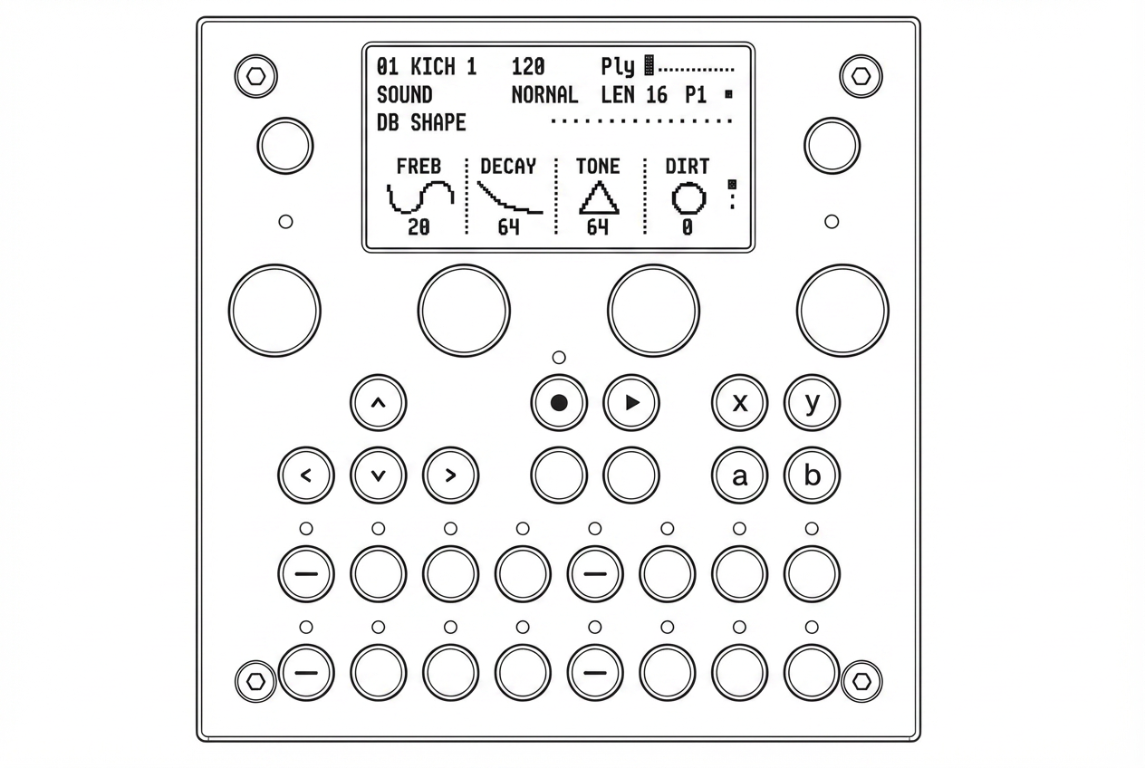
1. Power
Plug a USB-C cable into USB-C port #1 on the back of the device. Any standard USB-C power supply, USB battery pack, or computer USB port works.
The same port also carries USB MIDI and the USB network connection — so one cable to your computer powers the device and exposes its WebUI and MIDI endpoints.
2. Audio output
You have two options for listening:
| Output | Where | Use for |
|---|---|---|
| Line Out | Back of the device — stereo TRS 3.5 mm | Monitors, mixer, audio interface, external recorder |
| Headphone Out | Front of the device — stereo TRS 3.5 mm | Headphones. Volume is set with the dedicated headphone volume wheel next to the jack. |
Both outputs are active simultaneously.
3. Connecting to a computer (optional)
A single USB-C cable from USB-C #1 to your computer gives you:
- USB MIDI — the tbd 16 shows up as a MIDI device in your DAW
- USB Network (NCM) — open the WebUI in a browser at the address shown on the device under FUNC1 → Settings → WIFI Settings (no WiFi required)
See WiFi Settings to pick between USB Network mode and Access Point mode.
Next: Quick Start — make your first beat.